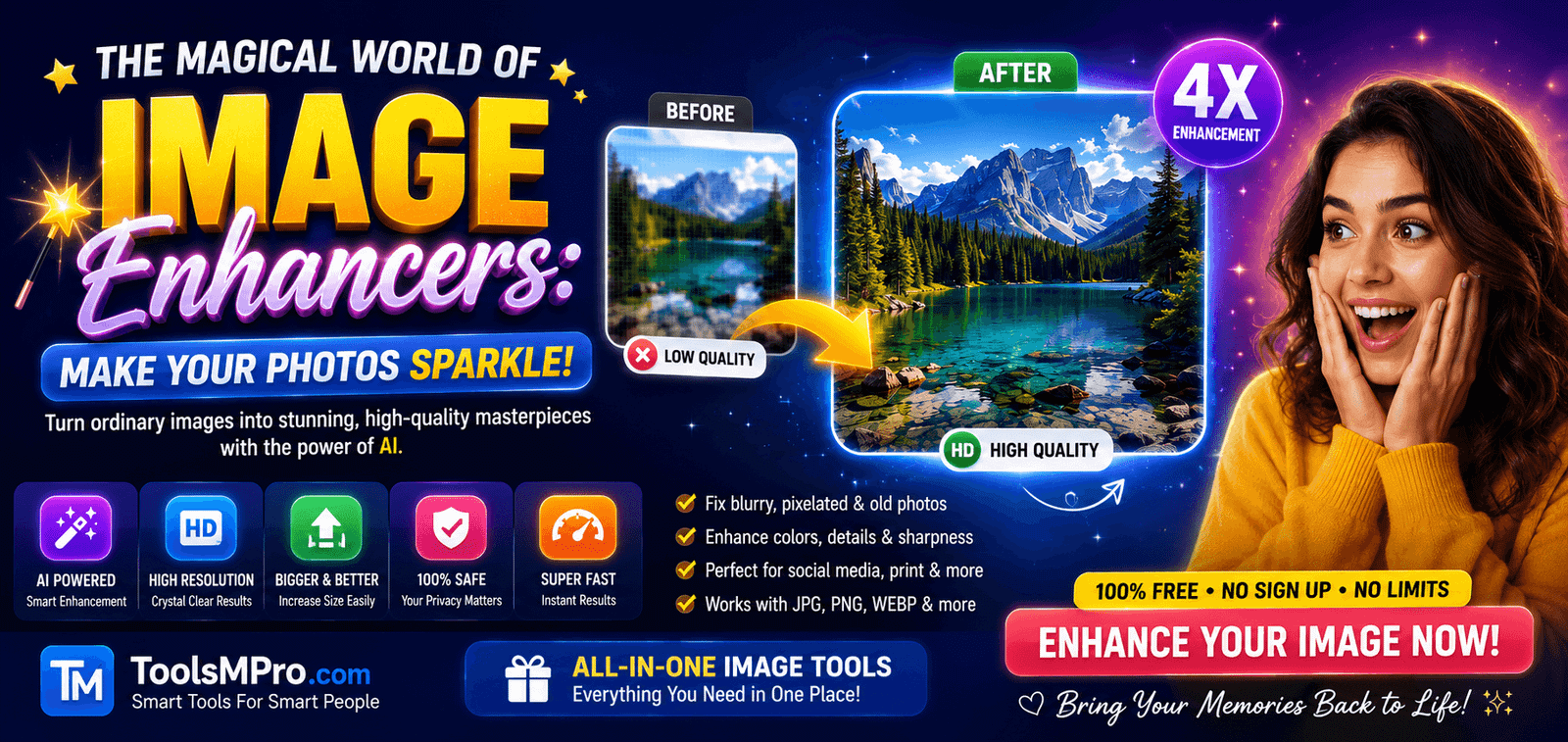
The Magical World of Image Enhancers: Make Your Photos Sparkle!
Hello, friend! Have you ever taken a picture that came out too dark, a bit blurry, or the colors just didn’t look right? Maybe it was a beautiful sunset that looked dull on your phone, or an old family photo that has faded over time.
Don’t worry! There’s a magical tool for that. It’s called an Image Enhancer.
Think of an Image Enhancer like a superhero for your pictures. If your photo is feeling sick—too dark, too blurry, or just sad—the Image Enhancer swoops in to make it healthy, bright, and happy again! It uses smart computer magic (called Artificial Intelligence or AI) to fix problems automatically.
In this super simple guide, we will learn everything about this magic. What it is, how it works, and where you can find the best image enhancer tools to use right now. Let’s start our adventure!
Click Here All in One Tools Master Pro Jee
Click Here All-in-One Image Tools for Free
Drag & Drop Image Here
or
What is an Image Enhancer? (Your Photo’s Best Friend!)
An Image Enhancer is a special kind of computer program or online tool. Its main job is simple: to make your pictures look better.
Here’s what a good Image Enhancer can do:
Fix Blurry Photos: Makes them sharp and clear, like putting on a pair of glasses for your picture!
Brighten Dark Photos: Adds light so you can see all the hidden details.
Bring Colors to Life: Makes dull colors pop and look vibrant.
Make Photos Bigger Without Losing Quality: This is called “upscaling.” It’s like making a small drawing bigger without it getting pixelated or blocky.
Remove Noise (Grain): Gets rid of those tiny, messy dots you sometimes see in photos taken in the dark.
Repair Old Photos: Can fix scratches, tears, and fading in your precious old memories.
How Does an Image Enhancer Work? The Secret AI Magic!
You might wonder, “How does it know what to fix?” The secret is AI, or Artificial Intelligence.
Imagine you show a super-smart robot millions of photos. You show it blurry ones and clear ones, dark ones and bright ones. After looking at so many, the robot learns the pattern. It learns what a “clear face” or a “vibrant green tree” should look like.
So, when you give it a new blurry photo, its brain says, “Aha! I’ve seen this before. I know how a sharp version of this should look!” And then it carefully rebuilds the missing details. It’s not just making things up; it’s making a very smart guess based on tons of learning. That’s the power of an AI-powered image enhancer.
When Should You Use an Image Enhancer?
Any time your photo isn’t perfect, you can call for help! Here are the most common times people use it:
Selfies & Portrait Photos: To make skin look smoother, eyes brighter, and the whole picture more professional.
Product Photos for Selling: If you sell things online, clear, bright, and sharp photos help you sell faster! An image enhancer can make your product look its absolute best.
Old Scanned Photos: To bring your family history back to life by removing stains and adding color.
Real Estate Photos: To make houses look bright, spacious, and inviting.
Social Media Posts: To make your Instagram, Facebook, or TikTok photos stand out from the crowd.
How to Use an Image Enhancer: It’s Easier Than You Think!
Using an image enhancer is usually as easy as 1-2-3. Most tools work the same way:
Step 1: Find Your Tool
Search for a good image enhancer online. We will talk about the best ones in just a minute!
Step 2: Upload Your Photo
Click the “Upload” button and choose the photo you want to fix from your computer, phone, or cloud storage (like Google Drive).
Step 3: Let the Magic Happen
Click the “Enhance,” “Start,” or “AI Process” button. The tool will work its magic in seconds.
Step 4: Download Your New Photo
Once you’re happy with the result, click “Download” or “Save” to get your brand-new, enhanced picture!
See? No complicated settings needed. The best AI image enhancer tools do all the hard work for you.
Top 3 Image Enhancer Tools You Must Try
There are many enhancers out there. Some are free, some are paid. Here are three of the very best tools that experts and regular people love to use.
1. Let’s Enhance
Let’s Enhance is a fantastic and powerful online image enhancer. It’s famous for making images bigger (upscaling) without losing quality. It can also fix colors and remove noise beautifully. It’s very easy to use and gives professional results. You can try it for free for a few images.
2. Adobe Photoshop (with Adobe Sensei AI)
Adobe Photoshop is like the king of all photo editing software. It’s not just an enhancer; it can do everything. Its built-in AI, called Adobe Sensei, powers amazing enhancement features like “Super Resolution” and “Neural Filters.” It’s the most powerful tool but requires a monthly subscription and takes a bit more time to learn.
3. Vance AI Image Enhancer
Vance AI offers a suite of handy AI tools, and their Image Enhancer is top-notch. It’s specifically designed to fix blurry, pixelated, and low-quality images with just one click. It has different modes for faces, cartoons, and general photos. It’s very user-friendly and works fast in your web browser.
Free vs. Paid Image Enhancers: What’s the Difference?
You can find many free image enhancer tools. So why would anyone pay?
Free Tools: Great for trying things out, fixing a few photos now and then, or for basic needs. They often have limits, like how many photos you can process per day or lower resolution downloads. The quality is good, but not always the best.
Paid Tools: Perfect if you edit photos often, need the highest quality, or use them for business. They offer more power, no watermarks, higher resolution saves, and priority processing. Tools like Adobe Photoshop give you limitless control.
For most people starting, a free tool is a perfect way to see the magic of an image enhancer.
Pro Tips for Getting the Best Results
Even with magic, a little know-how helps!
Start with the Best Original: Even an AI image enhancer works better if the original photo isn’t terrible. Try to take pictures in good light.
Try Different Tools: If one tool doesn’t give you the result you want, try another! Each AI is trained slightly differently.
Don’t Overdo It: Sometimes, making a photo too sharp or too bright can make it look fake. Find a natural-looking balance.
Use the Right Mode: Many tools have specific buttons like “Upscale,” “Fix Face,” or “Colorize.” Pick the one that matches what you need.
The Future of Image Enhancement
The future is even more exciting! Soon, image enhancer tools might be able to:
Add details that were never in the original photo (like turning a sketch into a photorealistic image).
Change the weather or time of day in your picture (sunny to snowy!).
Automatically enhance videos frame by frame.
The magic is just getting started!
Conclusion: Your Photos Deserve to Shine!
So, there you have it! An Image Enhancer is a simple, powerful, and often free tool that can rescue your photos from being dull, dark, or blurry. Whether you’re a student, a parent, a blogger, or a business owner, it’s a tool that can help you.
You don’t need to be a computer expert. Just pick one of the great tools we talked about—like Let’s Enhance, Adobe Photoshop, or Vance AI—upload your photo, and see the magic happen.
Your memories and important pictures are precious. Now you have the power to make them look their absolute best forever. Go ahead, try an image enhancer today and watch your pictures sparkle!