📋 Table of Contents
What is Redact PDF?
Why You Need to Redact PDFs
How Redaction Works
Step‑by‑Step: Use toolsMPro Redact PDF Tool
Other Free Redaction Tools in 2025
Tips for Effective Redaction
Be Careful: Don’t Just “Hide” Info
Security & Privacy Considerations
Troubleshooting Common Redactio
Conclusion Problems
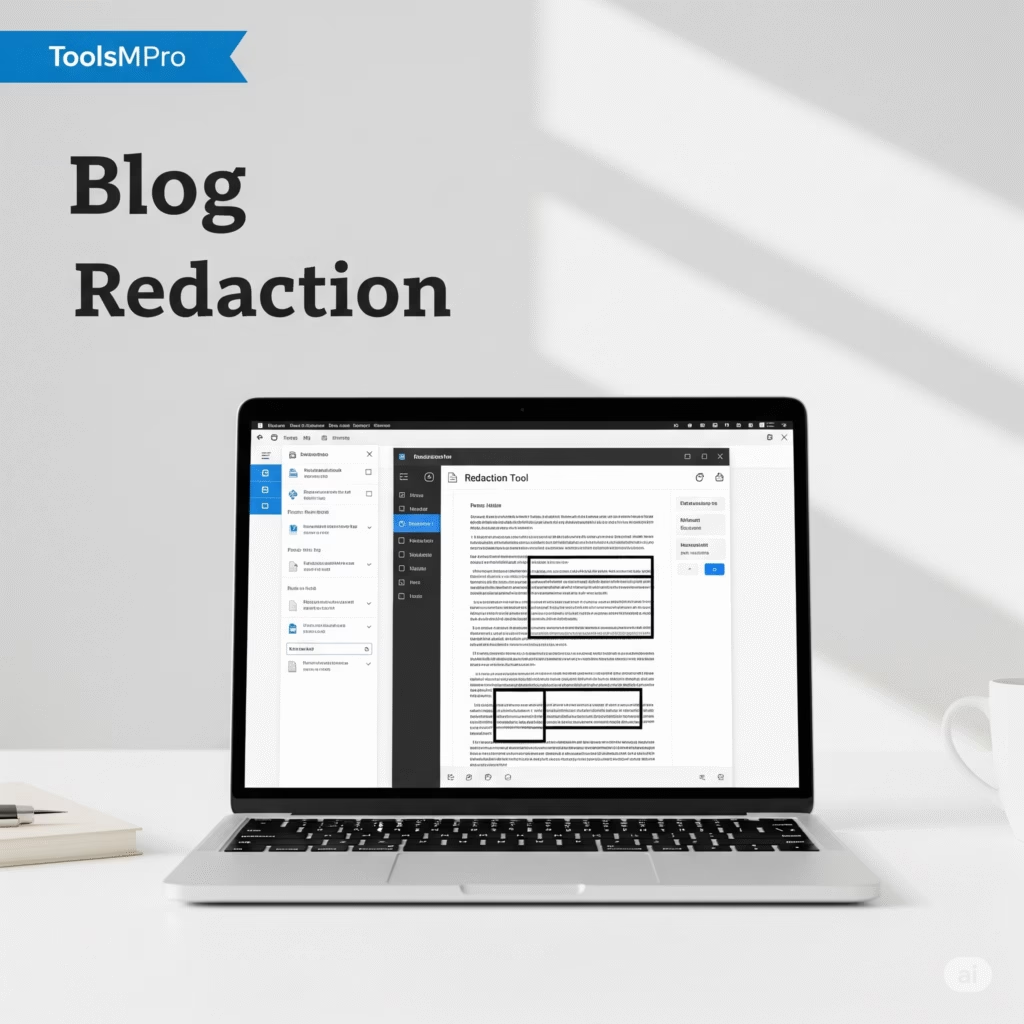
Redact PDF
Permanently remove sensitive information
Drop PDF file here
1. What is Redact PDF?
To redact PDF means to permanently hide private info—for example, names, emails, bank details—by blacking them out. Unlike just covering it, redaction removes the data so nobody can see it later.
2. Why You Need to Redact PDFs
👨⚕️ Protect privacy—hide personal data
🏢 Comply with laws like GDPR and HIPAA
⚖️ Share safely—redact before sending
🧩 Clean documents—remove comments, notes
⚙️ Professional look—clean and secure PDF
3. How Redaction Works
Identify text or area to redact
Draw a black box or highlight
Confirm redaction to remove text beneath
Save as new PDF—clean and safe
Original PDF remains unaltered
4. Step‑by‑Step: Use toolsMPro Redact PDF Tool
Open 👉 Redact PDF Tool
Upload your PDF
Select Redact Mode
Drag a box around the data to hide
Preview redacted area
Click Apply Redaction
Download the final redacted PDF
No signup or app install needed!
5. Other Free Redaction Tools in 2025
| Tool | Features | Link |
|---|---|---|
| toolsMPro Redact PDF | Unlimited use, zero signup | Use it |
| Adobe Acrobat Online | Trusted, watermark-free redaction | Visit |
| PDFescape Editor | Online redaction + form filling | Visit |
| PDF24 Tools | Desktop + web version | Visit |
| Sejda PDF | Batch redaction support | Visit |
6. Tips for Effective Redaction
Use full black boxes to cover info
Double-check nearby text isn’t accidentally removed
Always work on a copy of the PDF
After redaction, search for terms to ensure removal
For forms, flatten and redact visible entries
7. Be Careful: Don’t Just “Hide” Info
Simply covering text with black shape doesn’t delete info—it’s still searchable. Redaction must remove underlying data so it cannot be recovered.
8. Security & Privacy Considerations
toolsMPro uses HTTPS and auto-deletes uploads after 60 min
No file stored—your data stays private
For highly sensitive PDFs, consider offline tools like PDF24 Desktop
Always keep a backup copy of the original document
9. Troubleshooting Common Redaction Problems
| Problem | Likely Cause | Solution |
|---|---|---|
| Text still searchable | Info not redacted, just covered | Use “Apply Redaction” properly |
| Redacted area still visible in copy | Wrong download | Ensure you download after applying redaction |
| Uploaded file too large | >200 MB limit | Split or compress before redaction |
| Tool not working on mobile | Browser limitation | Use desktop or install app version |
10. Conclusion
Redaction is essential for privacy and professionalism. With toolsMPro’s Redact PDF tool, you can securely erase sensitive content in seconds, free and easy. No apps, no sign-in, no stress.