📚 Table of Contents
What Is EPUB to PDF?
Why Convert EPUB to PDF?
toolsMPro’s EPUB to PDF Converter Tool
Step‑by‑Step Conversion Guide
Quality & Layout Settings
Use Cases & Benefits
Best Practices to Convert Correctly
Alternatives Compared
Final Summary & Call to Action
EPUB thi PDF Converter PRO
Tamara ebooks ne turant convert karo. Client-side processing 100% privacy ane jhadap aape che. Koi software install karvani jarur nathi.
Ahi Drag ane Drop karo
athva
Mahattam file size: 100MB
Advanced Vikalpo
Analyzing EPUB Structure...
Conversion Successful!
Your PDF is ready. Memory automatically cleared for privacy.
Unique Premium Features
100% Secure & Private
Files are converted locally in your browser. Zero server uploads.
Lightning Fast Engine
Utilizing local device hardware for instant conversion speeds.
Cross Platform
Works perfectly on Windows, Mac, Linux, iOS, and Android.
Unlimited Usage
No limits on file quantity. Completely free forever.
Auto Memory Clear
Smart garbage collection deletes file data immediately after download.
Dark Mode Save
Remembers your UI theme preference for late-night reading/working.
How It Works
Upload EPUB
Drag and drop your ebook file securely into the browser.
Set Preferences
Adjust quality, page size, and file name in advanced settings.
Download PDF
Click convert and instantly get your high-quality PDF document.
Frequently Asked Questions
Connect Storage
To enable this feature, configure your developer credentials.
1. What Is EPUB ebooks to PDF?
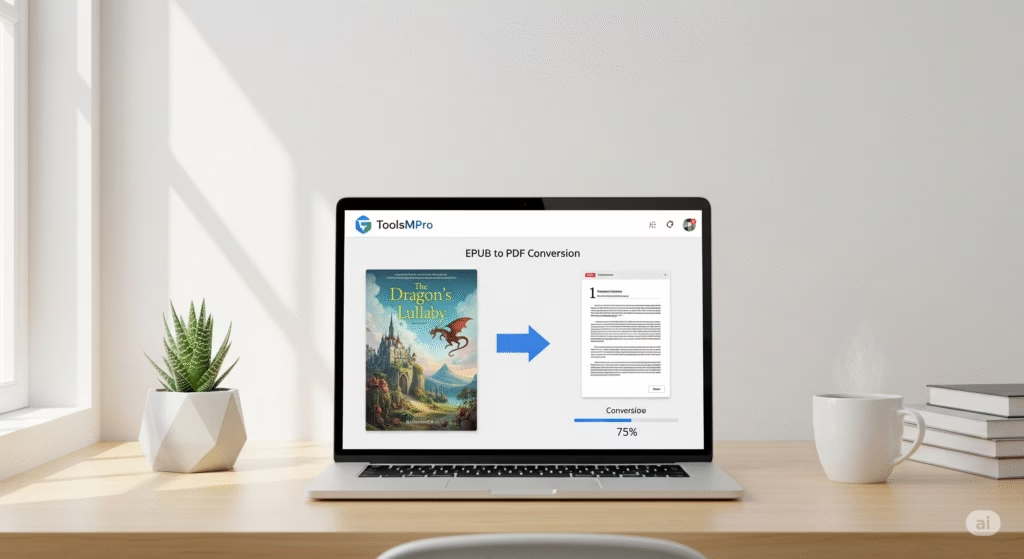
EPUB to PDF conversion means turning an ebook file (.epub) into a fixed‑layout PDF document. That way, the book looks the same on all devices, and you can print or share it easily.
2. Why Convert EPUB ebooks to PDF?
📄 PDF is universal and easy to view
✅ Layout stays fixed—no re‑flow or formatting change
📱 Works offline without a special ebook reader
🖨️ PDFs print cleanly
🔗 Easy to share or embed in presentations
3. toolsMPro’s EPUB to PDF Converter Tool
100% free, no signup required
Works directly in browser—no app needed
Keeps ebook formatting, chapters, and fonts intact
Convert one file or many; download PDF instantly
Part of full suite: All PDF Tools
4. Step‑by‑Step Conversion Guide
Go to 👉 EPUB to PDF Converter
Click “Upload EPUB” and select your file
Optionally choose page size or layout style
Hit Convert to PDF
Download the output file—editable or printable, ready!
5. Quality & Layout Settings
Page size options: A4, Letter, or auto-fit
Choose margins, scaling, and header/footer style
DPI settings for image‑heavy EPUBs
PDF bookmarks per chapter automatically generated
Preview before final download
6. Use Cases & Benefits
📚 Students converting textbooks or articles
👨🏫 Teachers preparing printable handouts
🖋 Authors preparing print‑ready versions
🧾 Archivists preserving EPUBs as stable PDFs
⚒ Designers embedding sample pages in portfolios
7. Best Practices to Convert Correctly
Ensure EPUB is well‑formatted (no corrupt files)
Validate table of contents before conversion
Keep original EPUB as backup
Review PDF once downloaded for misalignments
For multi-book conversions, name files clearly
8. Alternatives Compared
| Tool / Service | Free? | Notable Feature |
|---|---|---|
| toolsMPro EPUB to PDF | ✅ Fully free | Browser only, no watermark |
| Calibre | ✅ Open‑source | Powerful, but desktop install needed |
| Zamzar | ⚠️ Free tier | Email required |
| Adobe Acrobat Pro | 💲 Paid | Pro-level layout control |
| PDFCandy | ⚠️ Limited use | Easy UI but usage limit |
9. Final Summary & Call to Action
Need your ebook in PDF format, fast and flawless? toolsMPro’s EPUB to PDF converter delivers high-quality PDF versions—no apps, no logins.
📥 Convert EPUB ebooks to PDF now
Explore more tools: All PDF Tools