82 / 100 SEO Score

📚 Table of Contents

  1. What Is EPUB to PDF?

  2. Why Convert EPUB to PDF?

  3. toolsMPro’s EPUB to PDF Converter Tool

  4. Step‑by‑Step Conversion Guide

  5. Quality & Layout Settings

  6. Use Cases & Benefits

  7. Best Practices to Convert Correctly

  8. Alternatives Compared

  9. Final Summary & Call to Action

EPUB to PDF

EPUB to PDF converter

User friendly web app to convert EPUB to PDF quickly and easily

Drop EPUB files here

0 Files

No files uploaded yet. Drag & drop or select an EPUB.

Conversion complete!

1. What Is EPUB ebooks to PDF?

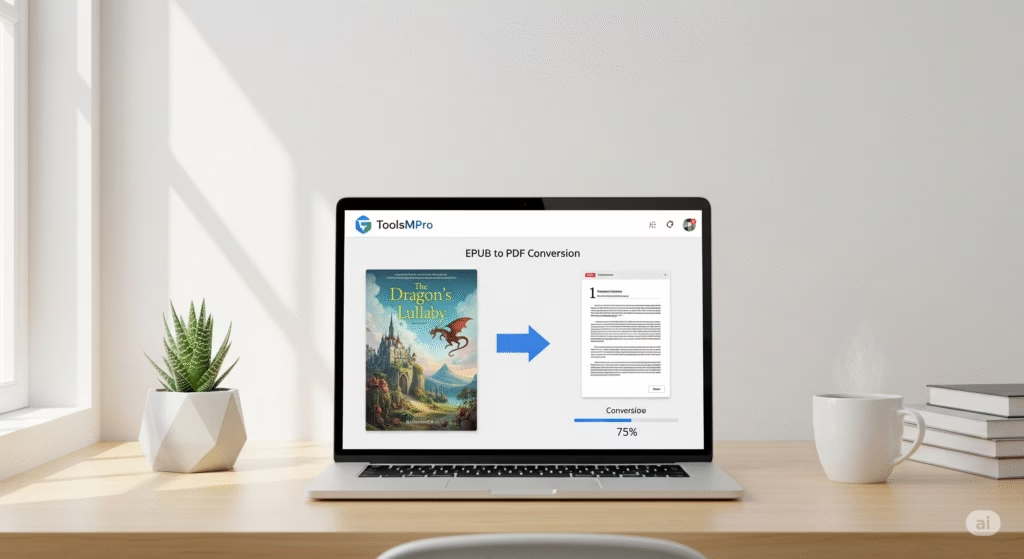
EPUB to PDF conversion means turning an ebook file (.epub) into a fixed‑layout PDF document. That way, the book looks the same on all devices, and you can print or share it easily.


2. Why Convert EPUB ebooks to PDF?

  • 📄 PDF is universal and easy to view

  • ✅ Layout stays fixed—no re‑flow or formatting change

  • 📱 Works offline without a special ebook reader

  • 🖨️ PDFs print cleanly

  • 🔗 Easy to share or embed in presentations


3. toolsMPro’s EPUB to PDF Converter Tool

  • 100% free, no signup required

  • Works directly in browser—no app needed

  • Keeps ebook formatting, chapters, and fonts intact

  • Convert one file or many; download PDF instantly

  • Part of full suite: All PDF Tools


4. Step‑by‑Step Conversion Guide

  1. Go to 👉 EPUB to PDF Converter

  2. Click “Upload EPUB” and select your file

  3. Optionally choose page size or layout style

  4. Hit Convert to PDF

  5. Download the output file—editable or printable, ready!


5. Quality & Layout Settings

  • Page size options: A4, Letter, or auto-fit

  • Choose margins, scaling, and header/footer style

  • DPI settings for image‑heavy EPUBs

  • PDF bookmarks per chapter automatically generated

  • Preview before final download


6. Use Cases & Benefits

  • 📚 Students converting textbooks or articles

  • 👨‍🏫 Teachers preparing printable handouts

  • 🖋 Authors preparing print‑ready versions

  • 🧾 Archivists preserving EPUBs as stable PDFs

  • ⚒ Designers embedding sample pages in portfolios


7. Best Practices to Convert Correctly

  • Ensure EPUB is well‑formatted (no corrupt files)

  • Validate table of contents before conversion

  • Keep original EPUB as backup

  • Review PDF once downloaded for misalignments

  • For multi-book conversions, name files clearly


8. Alternatives Compared

Tool / ServiceFree?Notable Feature
toolsMPro EPUB to PDF✅ Fully freeBrowser only, no watermark
Calibre✅ Open‑sourcePowerful, but desktop install needed
Zamzar⚠️ Free tierEmail required
Adobe Acrobat Pro💲 PaidPro-level layout control
PDFCandy⚠️ Limited useEasy UI but usage limit

9. Final Summary & Call to Action

Need your ebook in PDF format, fast and flawless? toolsMPro’s EPUB to PDF converter delivers high-quality PDF versions—no apps, no logins.
📥 Convert EPUB ebooks to PDF now
Explore more tools: All PDF Tools

Scroll to Top