📚 Table of Contents
What is a Free PDF Reader?
Why You Need a PDF Reader
Key Features of a Good PDF Reader
toolsMPro’s Free PDF Reader Tool
Step-by-Step Guide to Open & Use
Best Practices & Tips
Use Cases: Who Benefits Most
Alternatives to toolsMPro Reader
Security & Privacy Overview
Final Thoughts
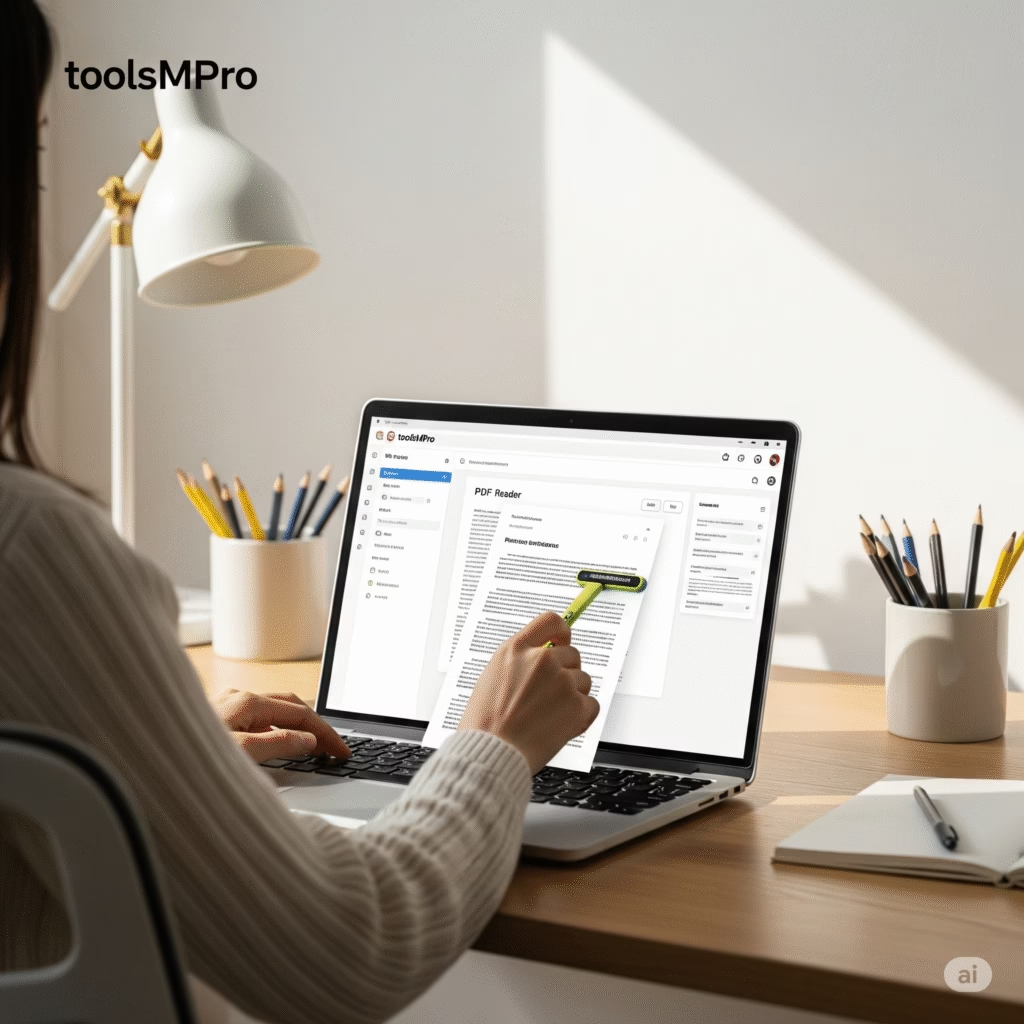
PDF Reader
Drag and drop PDF file here or
1. What is a Free PDF Reader?
A PDF Reader is software (or an online tool) that lets you open PDF files on your device. You can read pages, zoom in/out, search text, annotate, and sometimes add bookmarks.
2. Why You Need a PDF Reader
📘 To access eBooks, manuals, forms, reports
🔍 Search within documents
🖊 To highlight, comment, sign PDFs
📌 Bookmark pages for quick reference
🧑🏫 For students, teachers, parents, everyone!
3. Key Features of a Good PDF Reader
📂 Fast loading of large PDFs
🔍 Search & find text
🖊 Highlight, annotate, draw
🗂 Bookmark pages & jump quickly
💾 Save annotations
🖼 View images and charts clearly
🗣 Read aloud (optional)
🌙 Dark mode (optional)
4. toolsMPro’s Free PDF Reader Tool
🔗 Try it here → Free PDF Reader – toolsMPro
Highlights:
100% free, no signup
Open and annotate PDFs online
Clean, ad-free interface
Save bookmarks & highlights
Works on desktop and mobile
Part of the full PDF tools suite: All PDF Tools
5. Step-by-Step Guide to Open & Use
Visit 👉 PDF Reader
Click Upload PDF
Wait for it to load
Use tools: zoom, highlight, annotate
Click bookmark to save a page
Download annotated PDF if needed
6. Best Practices & Tips
Use meaningful highlight colors
Save bookmarks after reading
Split long PDFs into small files
Use desktop/tablet for best experience
Regularly backup your PDFs
7. Use Cases: Who Benefits Most
👨🎓 Students reading textbooks
📚 Researchers marking papers
🧾 Freelancers reviewing contracts
🧑🏫 Teachers prepping lessons
👪 Families saving manuals or receipts
8. Alternatives to toolsMPro Reader
9. Security & Privacy Overview
✅ All operations happen in-browser
🔐 No files stored online
❌ No user tracking or ads
🛡 Ideal for confidential documents
10. Final Thoughts
Looking for a PDF reader that’s clean, fast, and private? toolsMPro has you covered. No ads, no login, just quick access to your documents.
📥 Open PDFs Now
Don’t forget to explore All PDF Tools for editing, merging, converting and more!