 Table of Contents
 Table of Contents
What Does “Extract PDF Pages” Mean?
Why Extract Pages From a PDF?
Meet ToolsMPro’s Extract PDF Pages Tool
Step‑by‑Step: How to Extract Pages (Web, Desktop, Mobile)
Top 7 Free Page‑Extractor Tools (2025)
Power Tips: Batch, Reorder & Merge After Extract
Safety & Legal Stuff
Troubleshooting Common Errors
SEO Tips for Blogging About “Extract PDF Pages”
Final Thoughts
Feature Image Prompt
1. What Does “Extract PDF Pages” Mean?
A PDF stores many pages together. Extracting pages pulls chosen pages into a brand‑new PDF. It’s like cutting favorite pictures from a magazine but keeping them clean and neat.
Types of Extraction
Single‑Page Extract – Save just page 3 as its own file.
Multi‑Page Extract – Grab pages 5‑8 and bundle them as one smaller PDF.
Split All Pages – Turn every page into its own PDF (great for worksheets).
2. Why Extract Pages From a PDF?
| Reason | Example |
|---|---|
| Share only the needed section | Send chapter 4 of an e‑book to a friend. |
| Reduce file size | Email limits 10 MB; extract the 2‑page invoice section. |
| Reorder content | Pull pages, then rearrange for a custom booklet. |
| Classroom handouts | Teachers extract one activity page for students. |
| Legal bundles | Lawyers split huge case files into witness sets. |
3. Meet ToolsMPro’s Extract PDF Pages Tool
 Direct Link: https://toolsmpro.com/top-pdfs-tools/
Key Features
100 % Free – No watermark, no page limits.
Drag‑and‑Drop – Works on phones, tablets, and computers.
Secure – HTTPS encryption; files auto‑delete after 2 hours.
Instant Split – Extraction completes in seconds even on 100‑page PDFs.
Bookmark: toolsmpro.com/top-pdf-tools/extract‑pdf‑pages
4. Step‑by‑Step: How to Extract Pages
4.1 ToolsMPro (Any Device)
Open the Extract tool.
Upload your PDF (drag or tap).
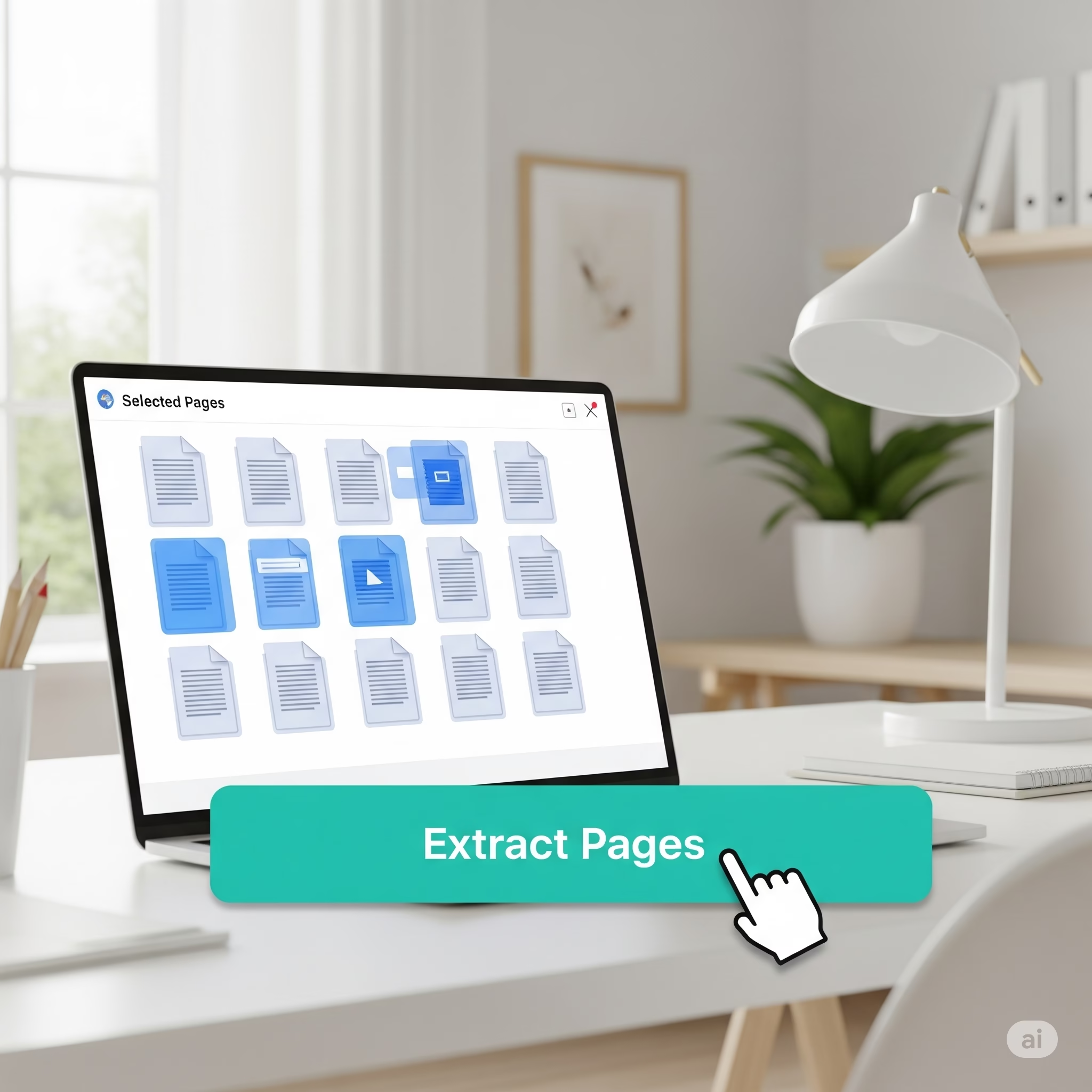
Click pages you want; they turn blue.
Hit Extract Pages.
Download your new PDF – done!
4.2 Adobe Acrobat Online
Upload PDF; choose pages; click Extract → Download (free sign‑in).
4.3 Smallpdf Split Tool
Visit https://smallpdf.com/split-pdf; select Extract pages option; choose pages; download.
4.4 iLovePDF Split
Open https://www.ilovepdf.com/split_pdf; select Extract pages; pick ranges; click Split PDF.
4.5 Desktop – PDF24 Creator (Windows)
Drag PDF into PDF24, mark pages, right‑click → Save as new PDF.
4.6 Mobile – Xodo (iOS/Android)
Open PDF in Xodo.
Tap Pages icon; long‑press pages; tap Extract → Save as new file.
5. Top 7 Free Page‑Extractor Tools (2025)
| Rank | Tool & DoFollow Link | Best Perk | Platform |
| 1 | ToolsMPro Extract – https://toolsmpro.com/top-pdfs-tools/ | Unlimited, no login | Web/mobile |
| 2 | Adobe Online | AI auto‑split by bookmarks | Web |
| 3 | Smallpdf | GDPR & ISO 27001 security | Web/mobile |
| 4 | iLovePDF | Cloud save to Drive/Dropbox | Web |
| 5 | PDF24 Tools | Works offline with Creator app | Web/Desktop |
| 6 | Sejda | Split by text (every “Invoice”) | Web/Desktop |
| 7 | Canva PDF Editor | Visual thumbnail extraction | Web |
6. Power Tips: Batch, Reorder & Merge
Batch Extract – PDF24 Creator handles folders of PDFs.
Reorder – Use ToolsMPro’s Reorder Pages after extraction.
Merge – Combine extracted chapters with Merge PDF for custom binders.
OCR Next – Run OCR so the new PDF is searchable.
7. Safety & Legal Stuff
HTTPS Matters – Use sites with the padlock icon.
Auto‑Delete Policy – ToolsMPro deletes in 2 hrs; Smallpdf in 1 hr.
Confidential Docs – Prefer offline apps if ultra‑sensitive.
Copyright – Extract only pages you own or are allowed to share.
8. Troubleshooting Common Errors
| Issue | Cause | Fix |
| Pages won’t select | PDF is scanned as one image | Use OCR first; then extract. |
| File too big | 500 MB upload limit | Split PDF first, then extract. |
| Wrong page numbers | Viewer starts at “0” | Double‑check thumbnail order. |
| Corrupted output | Bad source PDF | Repair with PDF2Go’s Repair PDF. |
9. Final Thoughts
Extracting pages lets you tailor any PDF to your exact needs—no more bulky files or wasted ink. With ToolsMPro’s Extract PDF Pages tool, the process is free, fast, and secure. Next time you need just one chapter or a few receipts, skip the scissors—click Extract and you’re done!
Visit ToolsMPro PDF Tools to explore 80+ other free PDF tricks.